UV DTF Step-by-Step Guide: From Design to Transfer
2026-07-25

The use of UV DTF printing has become increasingly popular for decoration on hard surfaces like glass, metal, acrylic, plastic, wood, and ceramic. This technology is expected to grow rapidly. By using UV DTF transfers, it is possible to create small-batch manufacturing and personalized gifts or promotional items without heat press compared to traditional vinyl stickers. A thorough understanding of the entire workflow can lead to improvements in print quality, waste management, and production efficiency.
To begin with, professional graphic software is utilized to create a high-resolution design. Utilize a variety of vector artwork and decompose all text into outlines before exporting the file. The color mode should be in line with your printer's needs, and transparent backgrounds are ideal for smooth transfer. Correct file organization is essential for achieving precise clarity and vibrant colors throughout printing.
Upon finishing the artwork, utilize an UV DTF printer with CMYK, White and Varnish inks to print the design onto film. The UV lamps cure every ink layer immediately during printing, resulting in a durable and scratch-free image. Laminate the B film onto the printed surface with the recommended pressure settings to ensure uniform bonding without bubbles or wrinkles after printing. Prior to transfer, clean the target surface thoroughly to remove any dust, oil, or fingerprints before transferring. Remove the A film from the surface, place the transfer onto the product, and use a squeegee or roller to press it down until all the air is gone. Gradually remove the B film, resulting in a vivid, smooth finish with excellent adhesion. The application process must be executed with precision to appear professional.
For optimal durability, use only top-notch UV DTF inks, films, and judiciously calibrated equipment. Keep transfer films cool and dry, avoiding high humidity levels before use. These steps, followed by each manufacturer, provide step-by-step guidance on producing precise, long lasting UV DTF printing results for a wide range of custom drinkswares and promotional items.
To begin with, professional graphic software is utilized to create a high-resolution design. Utilize a variety of vector artwork and decompose all text into outlines before exporting the file. The color mode should be in line with your printer's needs, and transparent backgrounds are ideal for smooth transfer. Correct file organization is essential for achieving precise clarity and vibrant colors throughout printing.
Upon finishing the artwork, utilize an UV DTF printer with CMYK, White and Varnish inks to print the design onto film. The UV lamps cure every ink layer immediately during printing, resulting in a durable and scratch-free image. Laminate the B film onto the printed surface with the recommended pressure settings to ensure uniform bonding without bubbles or wrinkles after printing. Prior to transfer, clean the target surface thoroughly to remove any dust, oil, or fingerprints before transferring. Remove the A film from the surface, place the transfer onto the product, and use a squeegee or roller to press it down until all the air is gone. Gradually remove the B film, resulting in a vivid, smooth finish with excellent adhesion. The application process must be executed with precision to appear professional.
For optimal durability, use only top-notch UV DTF inks, films, and judiciously calibrated equipment. Keep transfer films cool and dry, avoiding high humidity levels before use. These steps, followed by each manufacturer, provide step-by-step guidance on producing precise, long lasting UV DTF printing results for a wide range of custom drinkswares and promotional items.
Eco Solvent vs Sublimation: What is the Difference for Signs and Textiles?
Common DTF Printing Problems and Solutions
Related Article
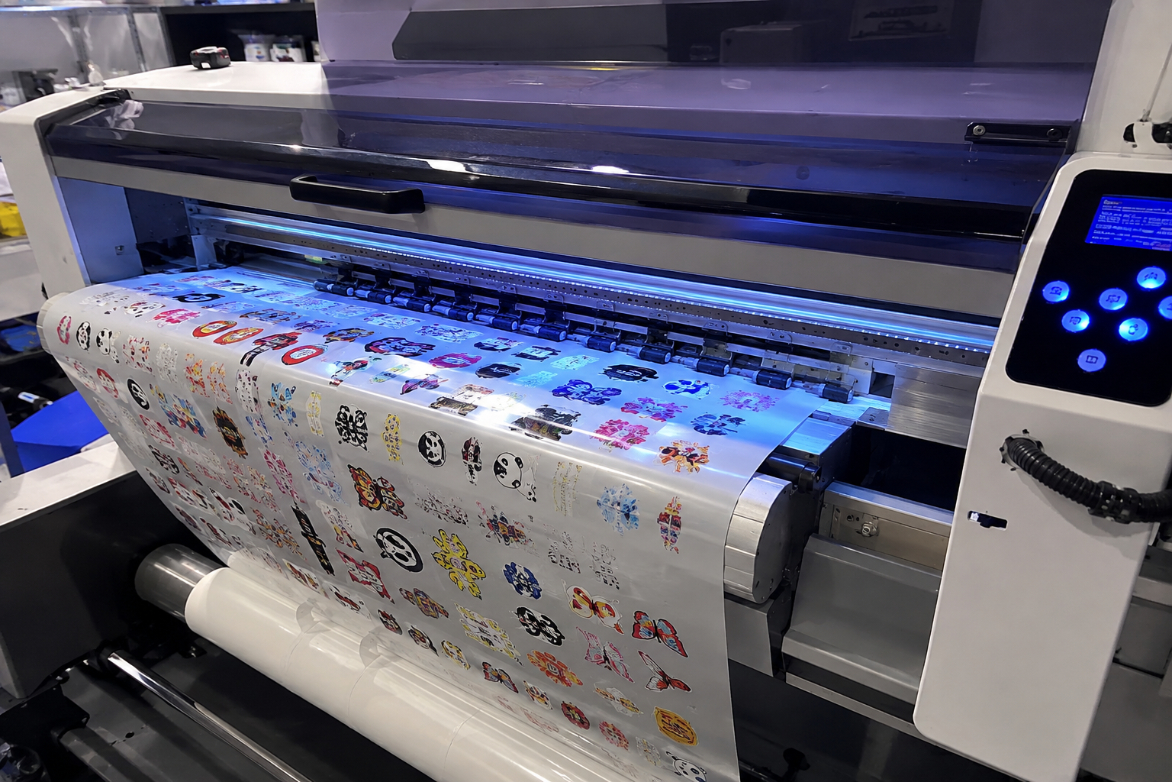
This article explains how high-quality UV DTF printers achieve enhanced 3D gloss, vivid colors, fine details, and long-lasting durability through precise ink deposition, multi-layer UV curing, and stable transfer technology. It also highlights the key factors buyers should consider when choosing a UV DTF printer, including print quality, curing consistency, adhesion, and production reliability.
Why Our UV DTF Printers Deliver Better 3D Gloss and Durability
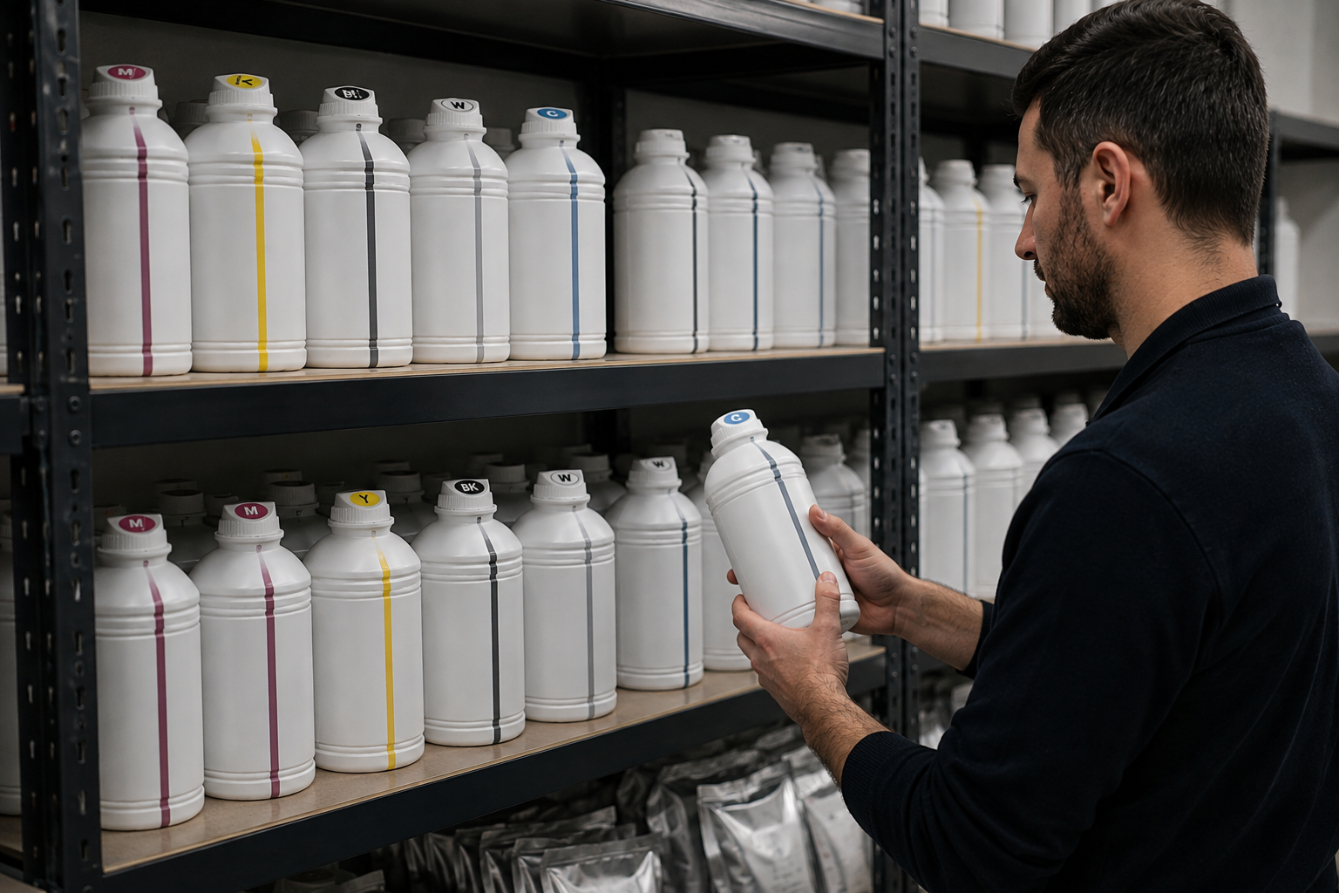
Proper storage is essential for maintaining the quality, stability, and performance of DTF and sublimation inks. Learn how to control temperature, protect ink from light and contamination, and manage your ink stock to extend its usable life and achieve consistent printing results.
How to Store DTF/Sublimation Inks to Extend Life
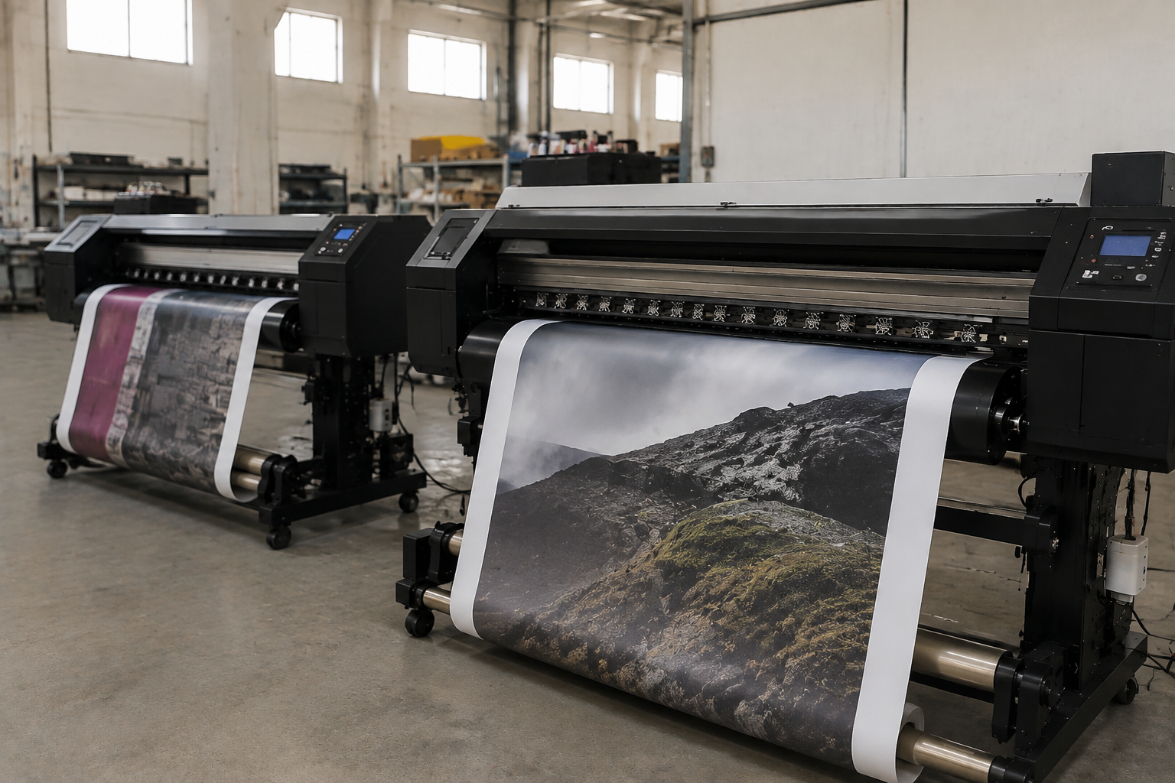
Eco solvent and sublimation printing are widely used digital printing technologies, but they serve different markets. Eco solvent printing is ideal for durable signage, banners, and outdoor graphics, while sublimation printing is better suited for polyester textiles and customized products. Understanding their differences helps businesses choose the right printing solution for better quality, efficiency, and cost control.
Eco Solvent vs Sublimation: What is the Difference for Signs and Textiles?
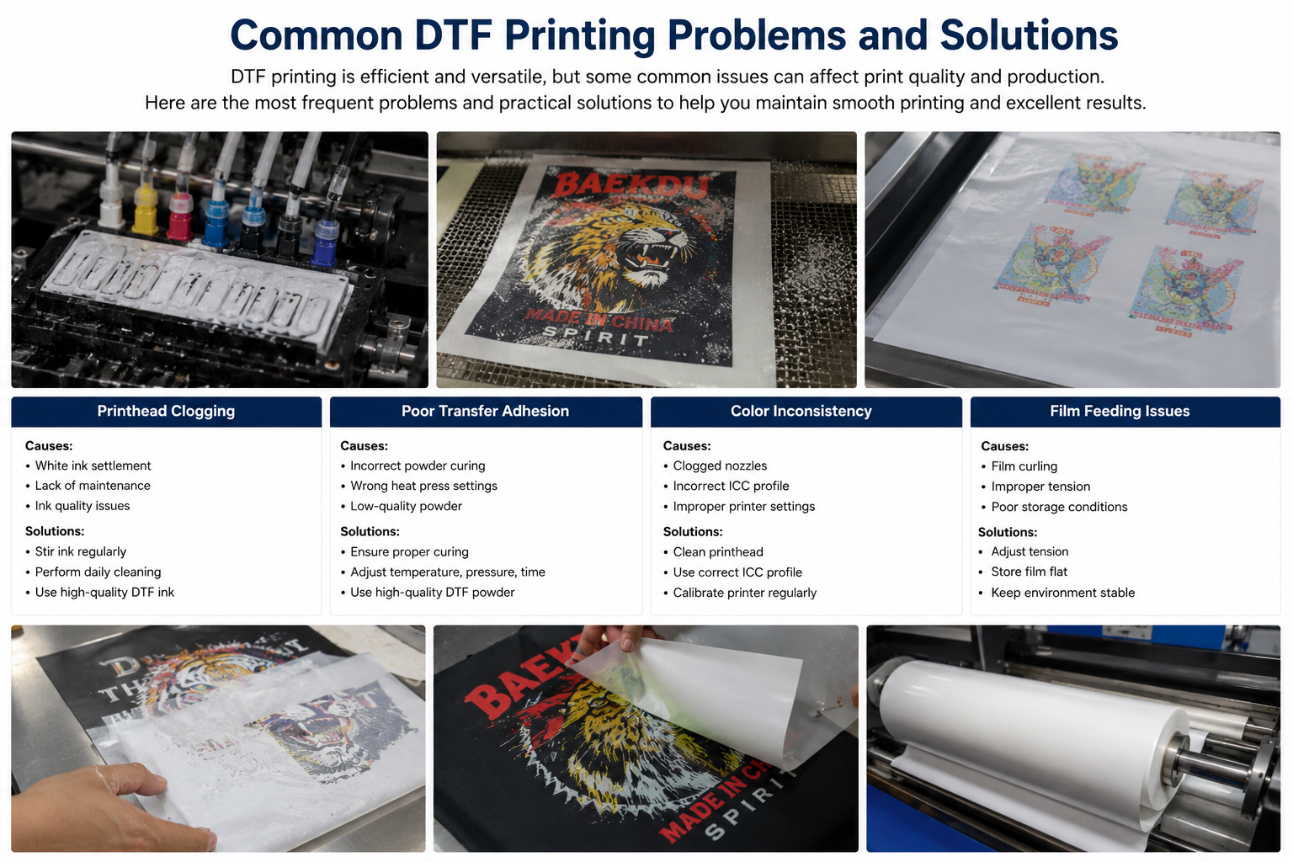
DTF printing can encounter issues such as printhead clogging, poor transfer adhesion, color inconsistency, and film feeding problems. Understanding the causes and applying the correct maintenance and operating procedures can significantly improve print quality and production efficiency.
Common DTF Printing Problems and Solutions