Maximize Your Printing Efficiency: Maintenance Tips for Eco Solvent Printers
2025-11-29
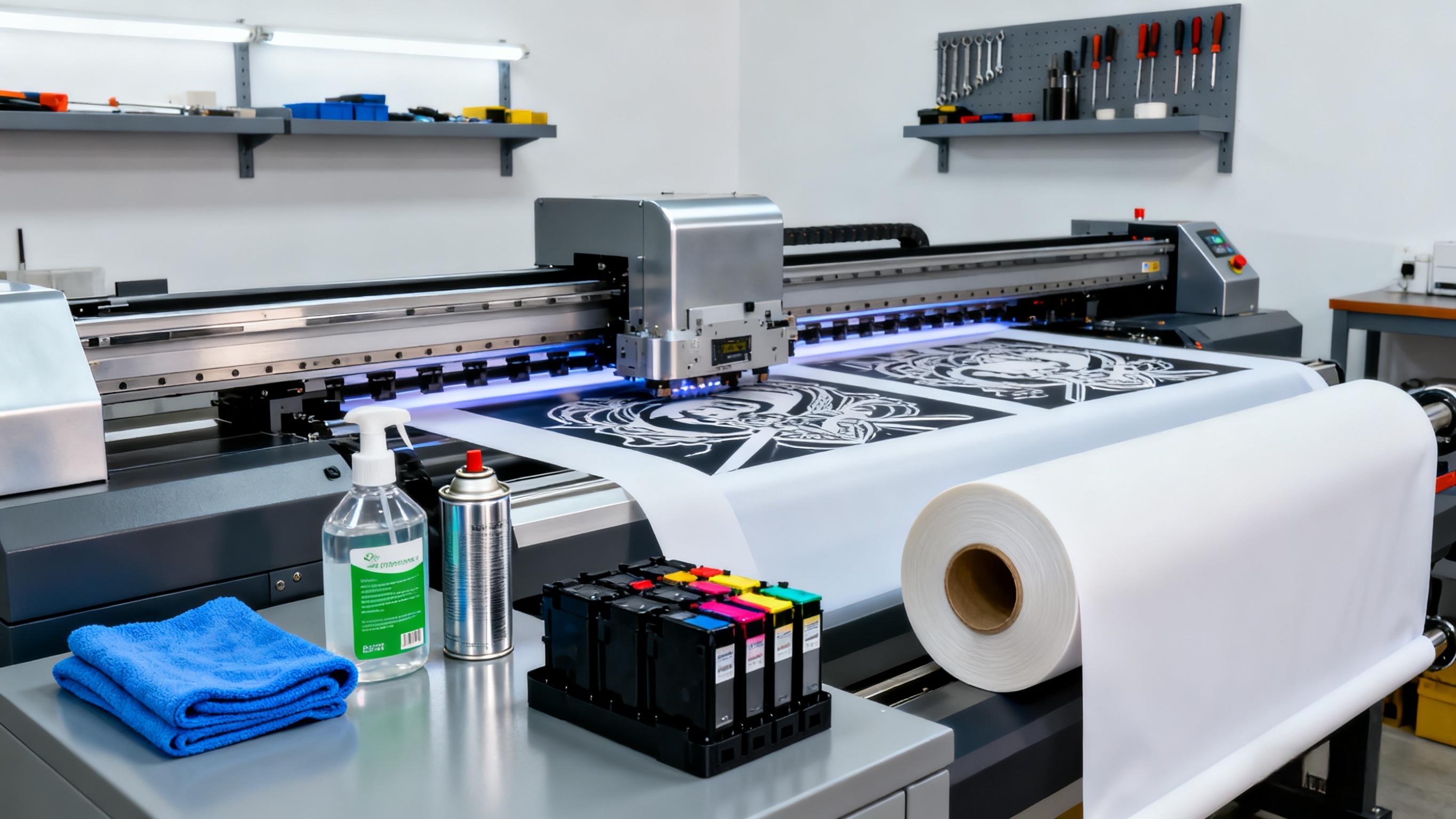
Eco solvent printers are workhorses for sign shops, advertising agencies, and industrial printing businesses, delivering durable, high-quality outputs for outdoor banners, vehicle wraps, and large-format displays. However, their performance and efficiency hinge heavily on consistent maintenance—neglecting upkeep can lead to costly downtime, reduced print quality, and shortened machine lifespan. By following these targeted maintenance practices, you can keep your eco solvent printer running at peak efficiency, minimize operational disruptions, and maximize return on investment.
The printhead is the heart of your eco solvent printer, and proper cleaning is non-negotiable for avoiding clogs and ensuring precise ink deposition. We recommend performing a daily nozzle check before starting production—most printers have a built-in function to test for blocked nozzles. If clogs are detected, use the printer’s automatic cleaning mode first; for persistent blockages, manually clean the printhead with a lint-free cloth dampened with manufacturer-approved cleaning fluid (avoid alcohol or harsh chemicals, which can damage the nozzle surface). Additionally, run a full printhead cleaning cycle once a week to remove dried ink buildup, and always power off the printer properly to allow the printhead to return to its capped, protected position.
Maintaining a clean and functional ink system is equally critical for consistent performance. Eco solvent inks are designed for long-term use, but sedimentation or air bubbles in the ink lines can cause color inconsistencies or ink starvation. To prevent this, shake ink cartridges thoroughly before installing them—this mixes pigments evenly and avoids settling. Check ink levels regularly and never let cartridges run completely dry, as this can pull air into the lines; keep spare cartridges on hand to replace them promptly. Every 1-2 months, inspect the ink lines and dampers for leaks or clogs, and use a syringe to flush the system if needed (refer to your printer’s manual for specific instructions). For optimal results, use high-quality, compatible eco solvent inks—low-grade inks may contain impurities that damage the ink system over time.
Environmental conditions play a significant role in eco solvent printer efficiency and print quality. These printers thrive in a controlled environment with temperatures between 20-25°C (68-77°F) and relative humidity of 40-60%. Extreme temperatures can cause ink to thicken or thin, leading to poor adhesion or bleeding, while high humidity may result in paper warping or ink smudging. Avoid placing the printer near windows, air conditioners, or heaters, as direct sunlight or rapid temperature fluctuations can harm internal components. If your workspace has high dust levels, use a cover when the printer is not in use to prevent dust from accumulating on the printhead, platen, and other sensitive parts.
Regular calibration and alignment ensure that your printer delivers sharp, accurate prints and avoids waste from misaligned outputs. Perform a printhead alignment at least once a month, or whenever you replace the printhead or notice misregistration (e.g., blurred text or overlapping colors). Most eco solvent printers offer an automatic alignment tool, but for critical jobs, manually adjust the settings based on test prints. Additionally, calibrate the color profile regularly to maintain consistent color reproduction—this is especially important if you switch ink batches or print on different substrates. Keep a log of calibration dates to track performance over time.
Proper storage of supplies and long-term maintenance during downtime are often overlooked but essential for efficiency. Store eco solvent inks in a cool, dry place, sealed tightly to prevent evaporation and contamination—expired or improperly stored ink can cause clogs and print defects. When the printer will not be used for more than a week, run a maintenance cycle to flush the ink lines and cap the printhead properly. For extended downtime (e.g., holidays), consider removing ink cartridges and storing them according to the manufacturer’s instructions. Regularly inspect mechanical parts such as belts, rollers, and fans for wear and tear—replace worn components promptly to avoid costly breakdowns that disrupt production.
Finally, invest in operator training to ensure your team follows best practices for printer use and maintenance. Even the most robust equipment will underperform if operators skip critical steps or use incorrect settings. Provide training on nozzle checks, cleaning procedures, ink handling, and troubleshooting common issues—this empowers your team to address minor problems quickly and avoid unnecessary downtime. Consider creating a maintenance checklist posted near the printer to serve as a daily reminder. By combining proactive maintenance with proper operator training, you can extend your eco solvent printer’s lifespan, reduce operational costs, and consistently deliver high-quality prints that meet your clients’ expectations.
DTF vs DTG vs Eco Solvent: Which Printer Fits Your Custom Apparel Business?
Printing Tech 2025: DTF Reigns as Multi-Material Favorite, UV DTF Surges in Growth
Related Article
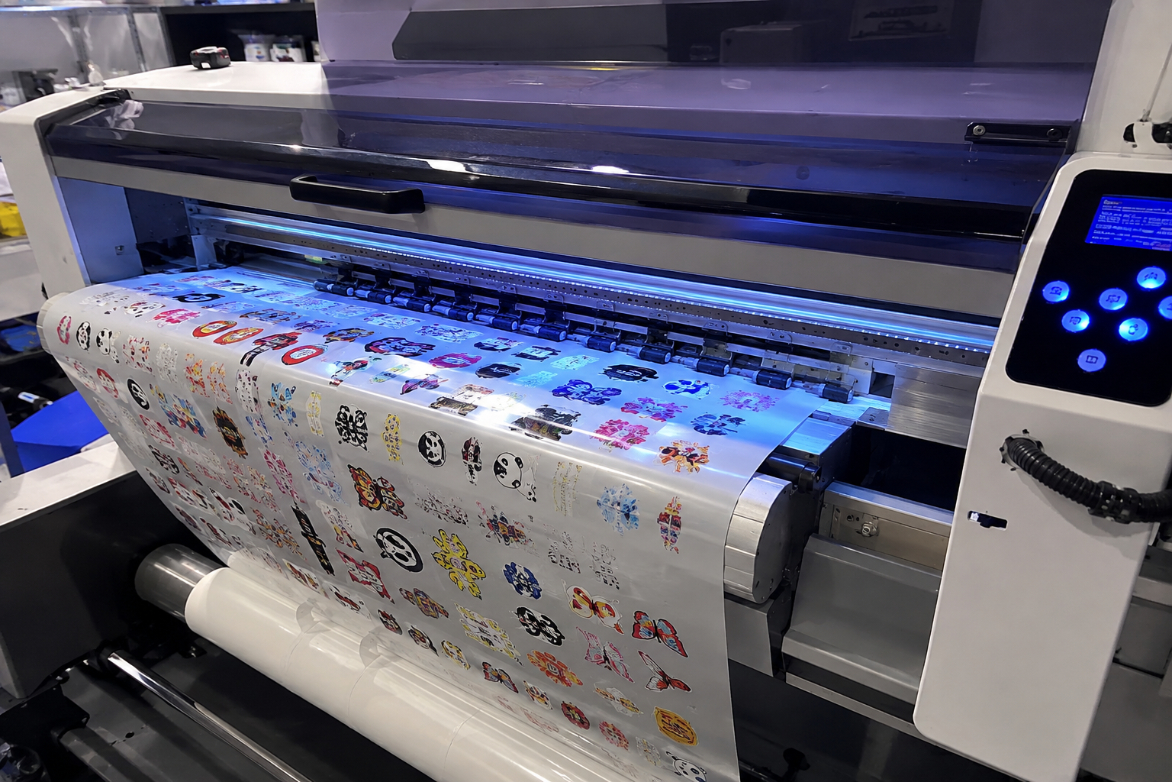
This article explains how high-quality UV DTF printers achieve enhanced 3D gloss, vivid colors, fine details, and long-lasting durability through precise ink deposition, multi-layer UV curing, and stable transfer technology. It also highlights the key factors buyers should consider when choosing a UV DTF printer, including print quality, curing consistency, adhesion, and production reliability.
Why Our UV DTF Printers Deliver Better 3D Gloss and Durability
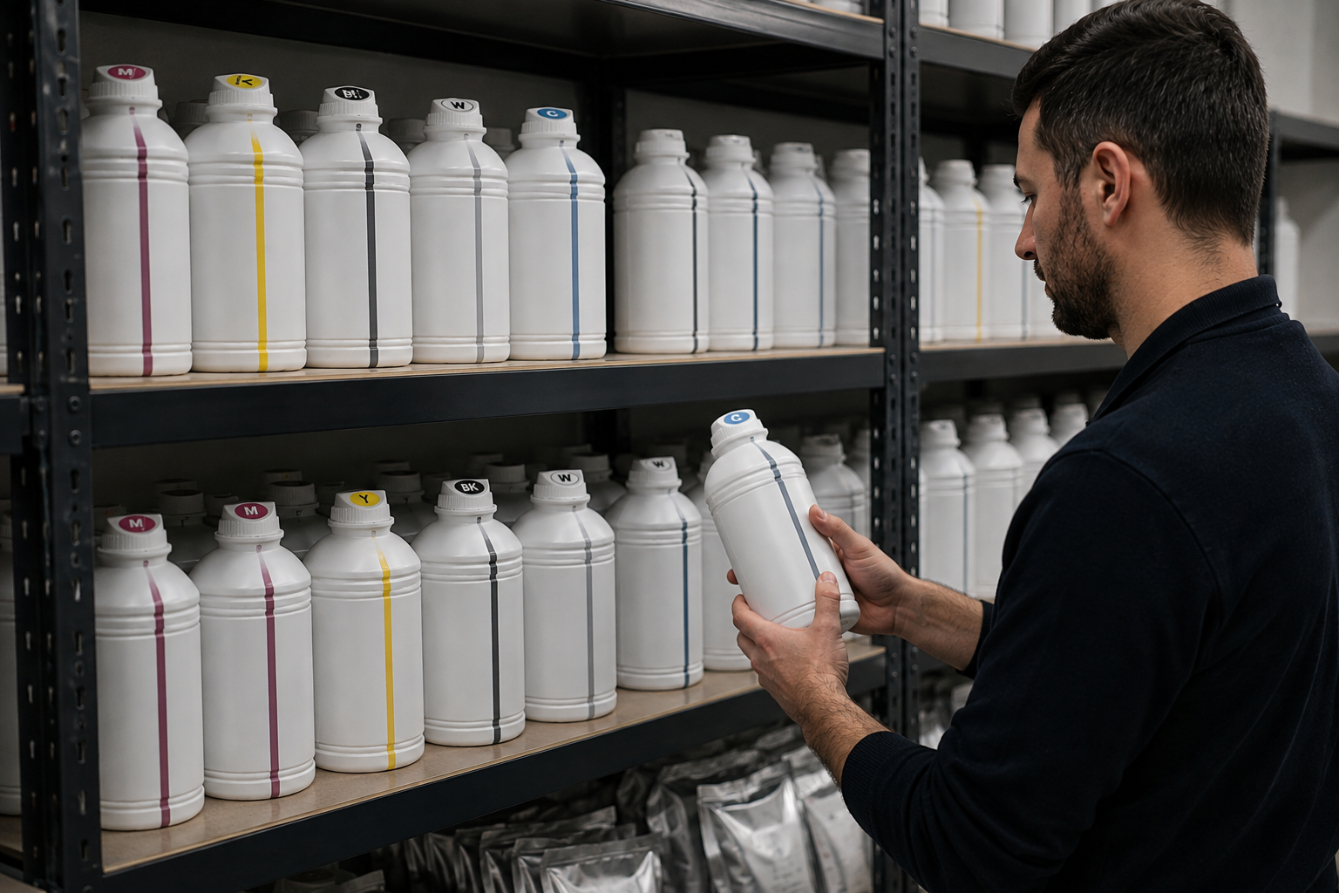
Proper storage is essential for maintaining the quality, stability, and performance of DTF and sublimation inks. Learn how to control temperature, protect ink from light and contamination, and manage your ink stock to extend its usable life and achieve consistent printing results.
How to Store DTF/Sublimation Inks to Extend Life
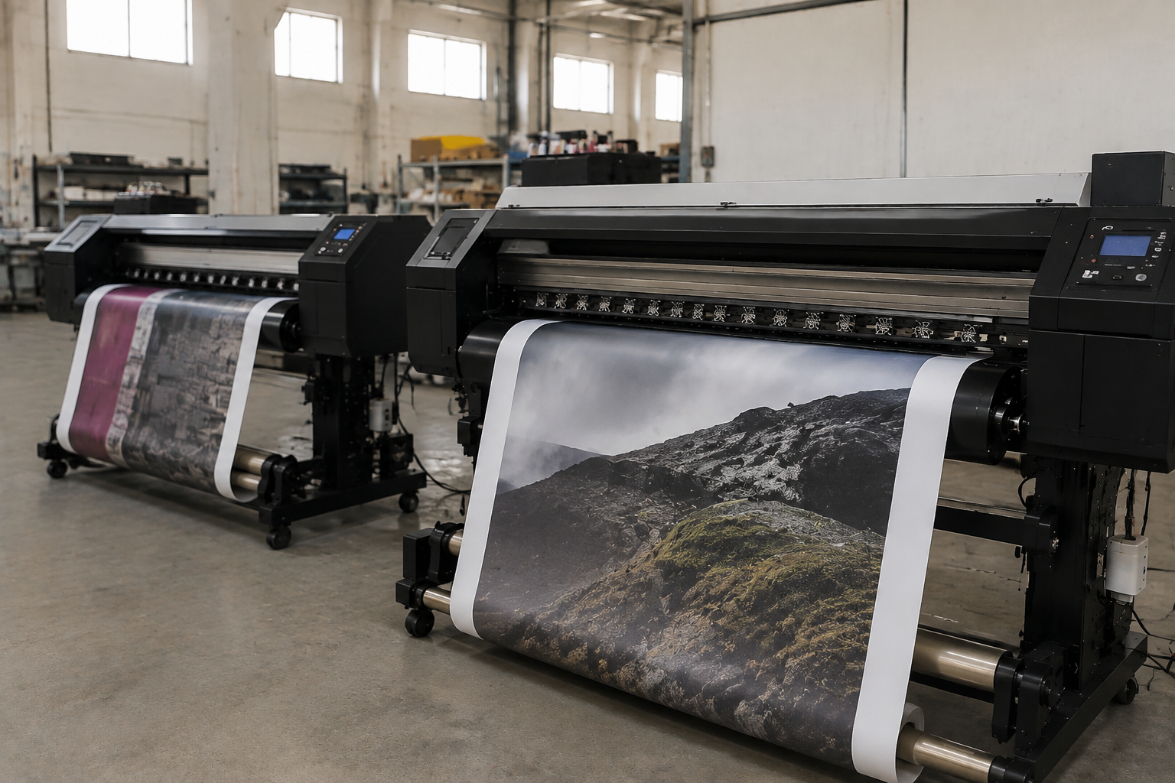
Eco solvent and sublimation printing are widely used digital printing technologies, but they serve different markets. Eco solvent printing is ideal for durable signage, banners, and outdoor graphics, while sublimation printing is better suited for polyester textiles and customized products. Understanding their differences helps businesses choose the right printing solution for better quality, efficiency, and cost control.
Eco Solvent vs Sublimation: What is the Difference for Signs and Textiles?

Learn the complete UV DTF printing workflow from design preparation to final transfer application. This guide explains each step, shares practical tips to improve print quality, and helps users achieve durable, professional results on a wide range of hard surfaces.
UV DTF Step-by-Step Guide: From Design to Transfer