Which DTF is Best for Beginners?
2026-04-24
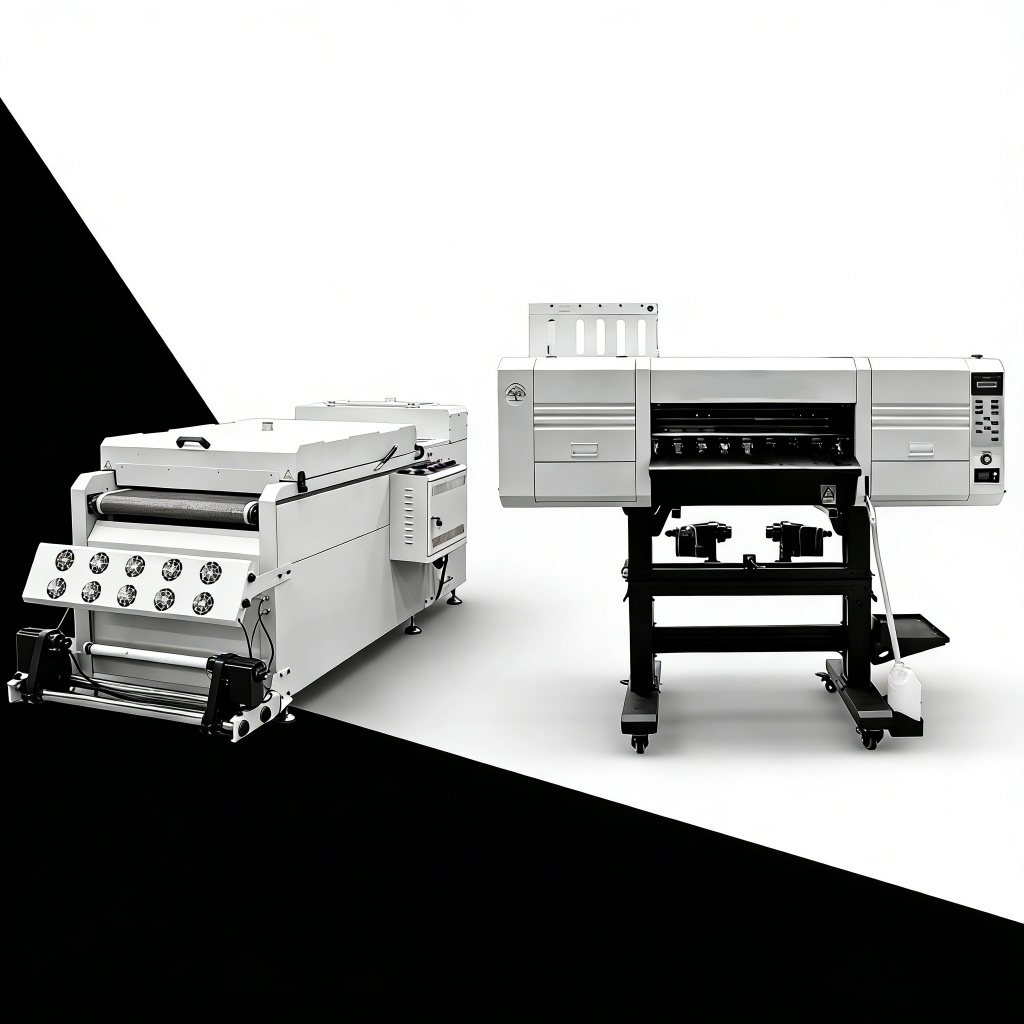
If you are considering starting a custom garment printing business and want to start a small T-shirt business without spending a lot of time learning a complex system, it is important to choose the right entry-level DTF printer. Many large commercial DTF printers involve complicated setup procedures or require extensive routine maintenance, which can result in unnecessary costs and burdens for beginners. For a beginners, the most important thing is not to just follow "great performance", but to focus on "ease of use", "reliability", "low error rates", "option" and "easy daily maintenance". The "all-in-one" DTF printing systems available in A4 and A3 formats.It widely recognized as the perfect choice for those just starting their business.
Usually, high-end DTF printers are equipped with a built-in "automatic white ink distribution system" and an "automatic print head cleaning system." These two features effectively solve the common concern of "print head sticking" .It is a problem that often plagues beginners. As a result, even with frequent daily use and without the need for frequent hand cleaning. Many entry-level models have reliable Epson printheads, easy-to-use print screens, and convenient RIP software that comes preloaded and ready to use right out of the box. In addition, the device is designed to work easily with standard DTF films, adhesive powders, and printing inks.
For beginners, a small all-in-one unit that simplifies the entire process is the right choice. This system effectively manages the entire process - from printing to powder coating and curing without interruption. This type of printer is ideal for use in a home workshop or small business. Compared to light-colored and dark-colored garments, you can quickly create heat transfers that have a long wash time and are fast from day one.
Epson L805 A4 DTF Printer Starter Kit (An excellent choice for beginners on a budget!)
The unit features a compact A4-sized print area, a single-head configuration that ensures high operational stability, and a built-in white ink circulation system. Since the machine comes fully configured and perfectly calibrated right out of the factory, you won't have to worry about the hassle of troubleshooting technical issues. This unit is ideal for DIY enthusiasts and retailers focused on creating small-scale designs,such as pocket logos or those who occasionally handle small-batch printing jobs.The only drawback of this model is its limited print width. However, for general use and novice users, this printer stands out as the premier choice in terms of ease of use, offering the widest tolerance for operational errors.It means the likelihood of mistakes is significantly reduced.
Epson L1800 A3 DTF All-in-One Printer (Best Overall Choice for Beginners)
Upgraded to support large-format A3 printing, this model enables you to efficiently create large-scale designs,such as full-front T-shirt prints while also facilitating smooth, continuous batch printing. The machine features an enhanced white ink agitation system, an automatic printhead cleaning function, and the capability to produce accurate, consistent color tones. Another key highlight is the ease with which consumables can be sourced, as they are widely available worldwide. Furthermore, spare parts are reasonably priced. Thanks to an exceptional balance of price, print area size, output quality, and ease of maintenance, this model stands out as the ideal choice to support the long-term growth of new businesses.
XP600 A4 Single-Head Desktop DTF (The Most Stable Option with Minimal Printhead Clogging Issues)
For beginners who are particularly concerned about printhead clogging, the XP600 model—featuring a single-printhead A4 system—is undoubtedly a highly recommended choice. Building upon the foundation of standard Epson models, this unit boasts an enhanced ink system design, highly efficient automatic ink circulation capabilities, and even faster response speeds. Even on days when the printer is not in continuous use, it continues to operate smoothly and consistently maintains print clarity. Furthermore, its compact, space-saving footprint—perfect for desktop placement—stands out as another key highlight. Consequently, this model is ideally suited for users who print only occasionally, or for those seeking to minimize the time and effort required for routine maintenance.
The ideal DTF printer for beginners is one that strikes the right balance between three key factors.It including affordability, ease of use, and long-term performance. If you plan to use the printer at home on a limited budget, the L805 model is the ideal choice. If you are launching a small business and require comprehensive, high-performance capabilities, the L1800 A3 model is highly recommended. For those who prioritize "printhead protection" above all else, the XP600 A4 model represents the most prudent choice. By following these best practices, you will be able to quickly master basic printing techniques, avoid costly technical issues, and easily scale up your productivity as your business grows.
Manual vs Automatic Heat Press Machine: Pros & Cons
Heat Press Machines: The Core Driving Force Behind High-Quality Advertising Printing
Related Article
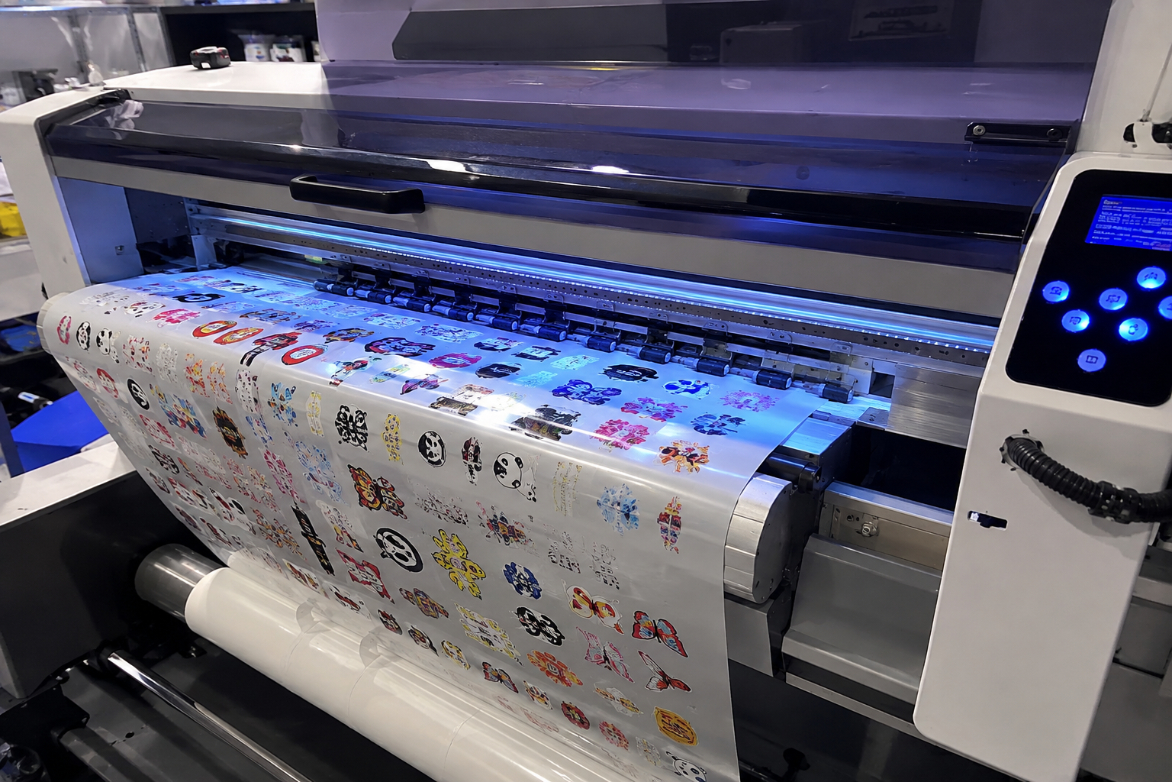
This article explains how high-quality UV DTF printers achieve enhanced 3D gloss, vivid colors, fine details, and long-lasting durability through precise ink deposition, multi-layer UV curing, and stable transfer technology. It also highlights the key factors buyers should consider when choosing a UV DTF printer, including print quality, curing consistency, adhesion, and production reliability.
Why Our UV DTF Printers Deliver Better 3D Gloss and Durability
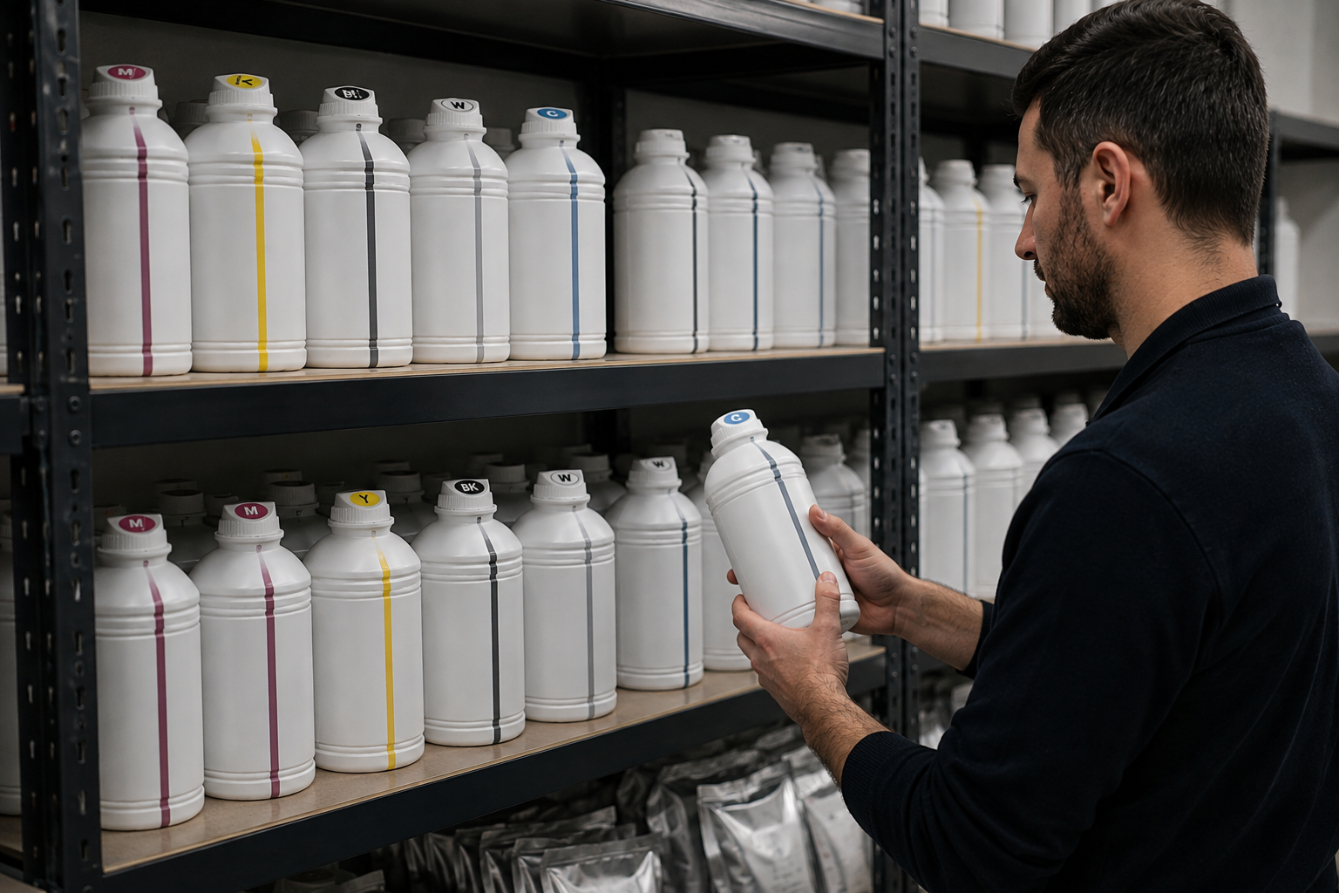
Proper storage is essential for maintaining the quality, stability, and performance of DTF and sublimation inks. Learn how to control temperature, protect ink from light and contamination, and manage your ink stock to extend its usable life and achieve consistent printing results.
How to Store DTF/Sublimation Inks to Extend Life
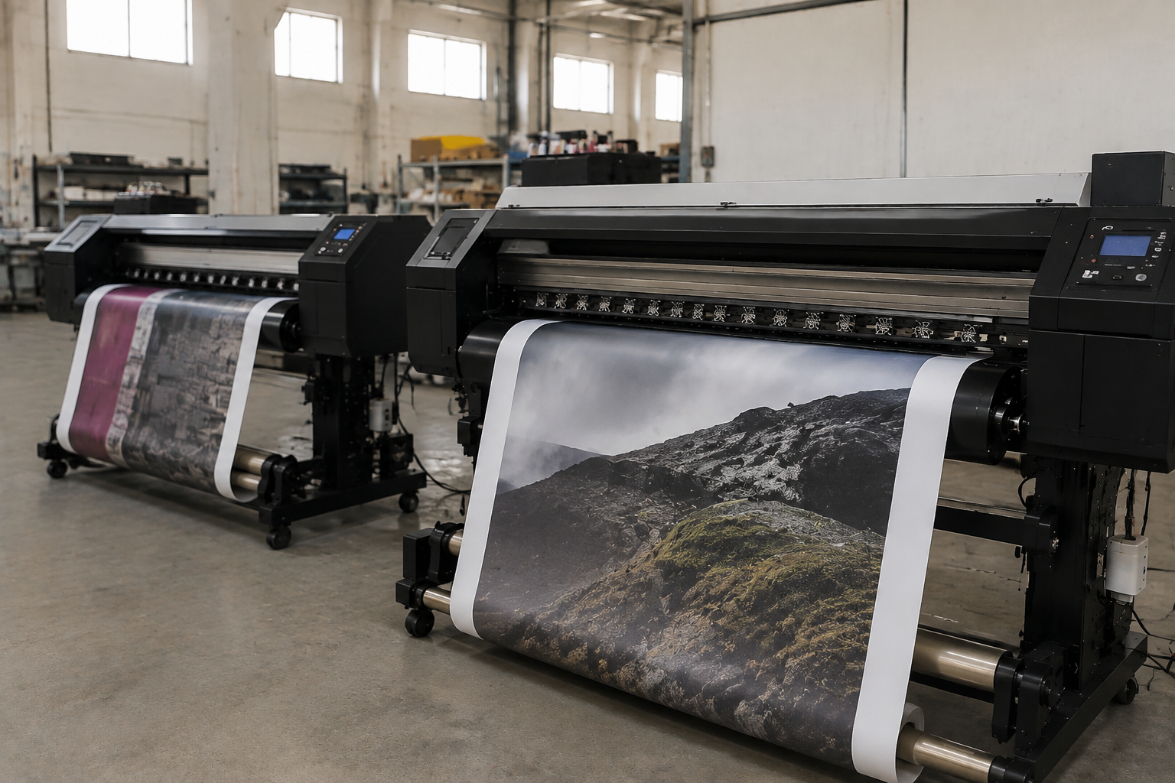
Eco solvent and sublimation printing are widely used digital printing technologies, but they serve different markets. Eco solvent printing is ideal for durable signage, banners, and outdoor graphics, while sublimation printing is better suited for polyester textiles and customized products. Understanding their differences helps businesses choose the right printing solution for better quality, efficiency, and cost control.
Eco Solvent vs Sublimation: What is the Difference for Signs and Textiles?

Learn the complete UV DTF printing workflow from design preparation to final transfer application. This guide explains each step, shares practical tips to improve print quality, and helps users achieve durable, professional results on a wide range of hard surfaces.
UV DTF Step-by-Step Guide: From Design to Transfer