Why Does My DTF Ink Clog the Printhead?
2026-06-27

While DTF printing technology is commonly used in garment customization, it can cause clogging of printheads. The clogs can cause problems such as blocking, blurring of colors, or being completely unresponsive to printing. In most cases these are not defects of the printer, but issues with the quality of DTF ink or maintenance practices and operating environment.
White DTF inks are prone to pigment sedimentation, which is one of the primary causes of nozzle clogging. Over time, these inks will accumulate heavy particles that settle and cause blockage of the nozzles. Due to the absence of a white ink circulation system, printers are most susceptible to frequent issues with their nozzles.
Another common reason is due to the use of low-quality or incompatible ink formulations.. Disparate particle sizes and poor dispersion technology are common issues with inexpensive DTF inks. These flaws may cause ink particles to dry quickly within the printhead or form small clogs. The mixing of inks from different manufacturers can cause significant chemical instability, which can lead to nozzle blockage and impair the printing process's stability. The drying rate of DTF printing ink on the nozzle surfaces can be affected by the workspace temperature, which can cause hardening of inked deposits. The issue becomes more complicated as the ink within the printer's printhead thickens over time. Consistent ink flow and proper humidity levels are crucial when printing.
To prevent printhead clogging, it's important to use high-quality DTF inks that are compatible with certain printer models, such as the Epson XP600 or i3200. Routine maintenance, such as cleaning the nozzles, agitating the white ink, and operating the printer in a stable environment, can significantly enhance operational efficiency. Furthermore, selecting a trustworthy ink supplier guarantees uniform pigment quality and minimizes downtime.
When using DTF inks, the printhead may become blocked due to various factors such as poor quality and maintenance failure.
White DTF inks are prone to pigment sedimentation, which is one of the primary causes of nozzle clogging. Over time, these inks will accumulate heavy particles that settle and cause blockage of the nozzles. Due to the absence of a white ink circulation system, printers are most susceptible to frequent issues with their nozzles.
Another common reason is due to the use of low-quality or incompatible ink formulations.. Disparate particle sizes and poor dispersion technology are common issues with inexpensive DTF inks. These flaws may cause ink particles to dry quickly within the printhead or form small clogs. The mixing of inks from different manufacturers can cause significant chemical instability, which can lead to nozzle blockage and impair the printing process's stability. The drying rate of DTF printing ink on the nozzle surfaces can be affected by the workspace temperature, which can cause hardening of inked deposits. The issue becomes more complicated as the ink within the printer's printhead thickens over time. Consistent ink flow and proper humidity levels are crucial when printing.
To prevent printhead clogging, it's important to use high-quality DTF inks that are compatible with certain printer models, such as the Epson XP600 or i3200. Routine maintenance, such as cleaning the nozzles, agitating the white ink, and operating the printer in a stable environment, can significantly enhance operational efficiency. Furthermore, selecting a trustworthy ink supplier guarantees uniform pigment quality and minimizes downtime.
When using DTF inks, the printhead may become blocked due to various factors such as poor quality and maintenance failure.

Common DTF Printing Problems and Solutions
Why Are My Transfers Not Sticking Properly?
Related Article
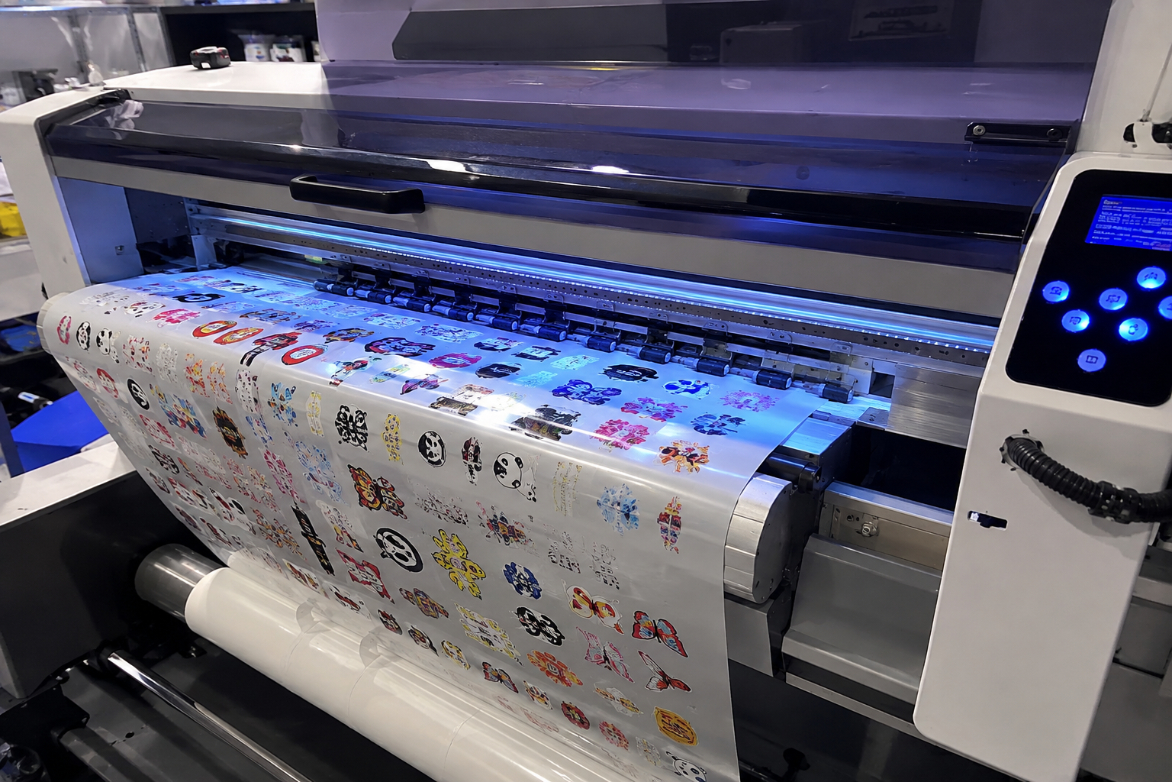
This article explains how high-quality UV DTF printers achieve enhanced 3D gloss, vivid colors, fine details, and long-lasting durability through precise ink deposition, multi-layer UV curing, and stable transfer technology. It also highlights the key factors buyers should consider when choosing a UV DTF printer, including print quality, curing consistency, adhesion, and production reliability.
Why Our UV DTF Printers Deliver Better 3D Gloss and Durability
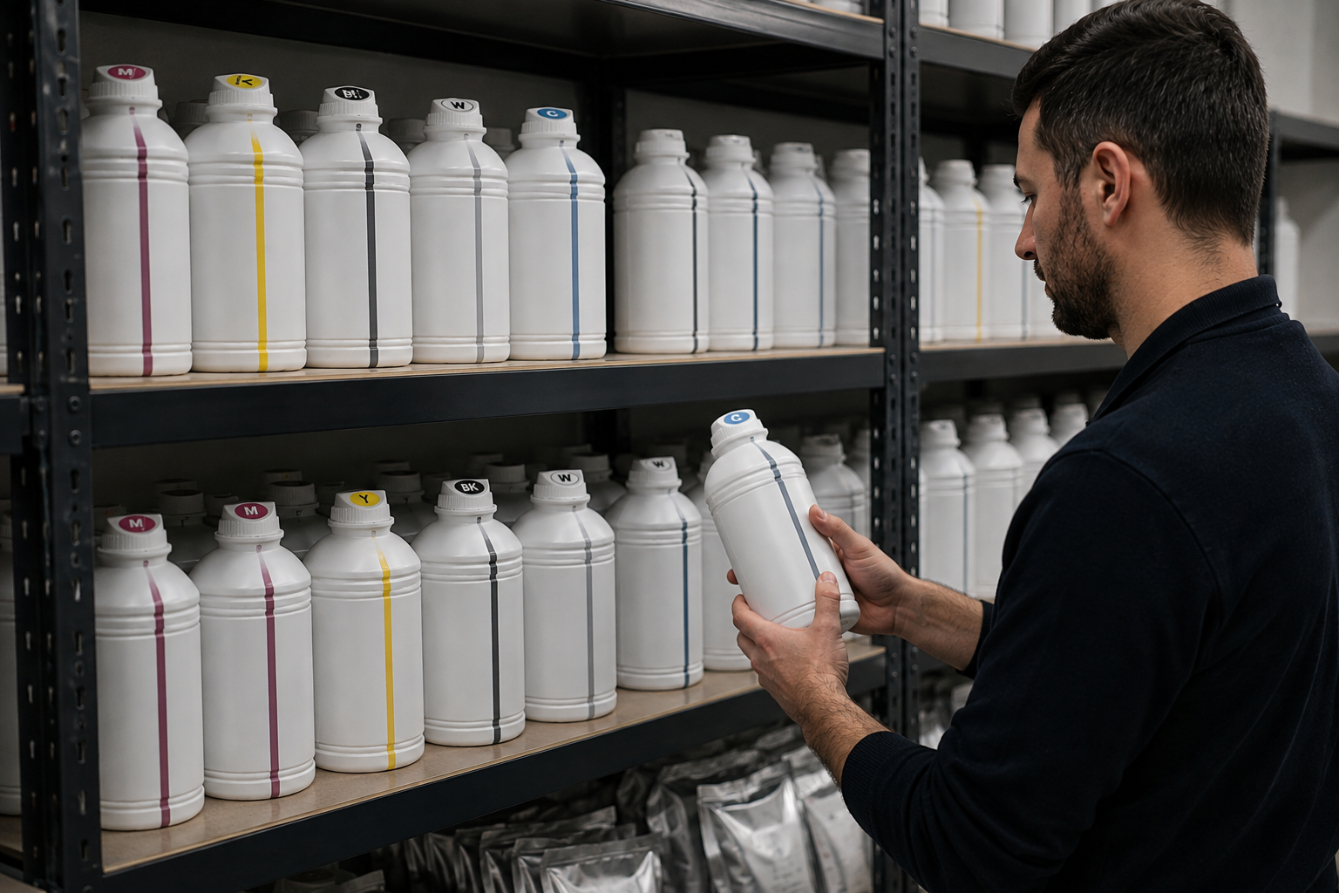
Proper storage is essential for maintaining the quality, stability, and performance of DTF and sublimation inks. Learn how to control temperature, protect ink from light and contamination, and manage your ink stock to extend its usable life and achieve consistent printing results.
How to Store DTF/Sublimation Inks to Extend Life
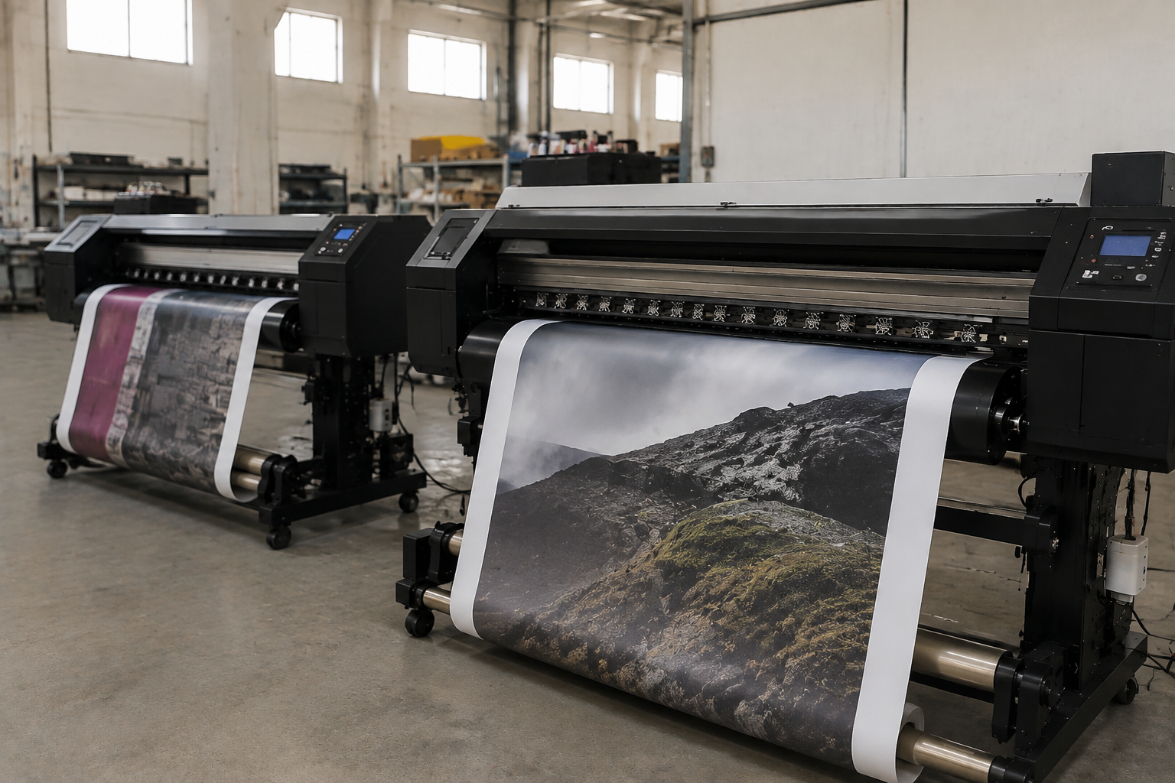
Eco solvent and sublimation printing are widely used digital printing technologies, but they serve different markets. Eco solvent printing is ideal for durable signage, banners, and outdoor graphics, while sublimation printing is better suited for polyester textiles and customized products. Understanding their differences helps businesses choose the right printing solution for better quality, efficiency, and cost control.
Eco Solvent vs Sublimation: What is the Difference for Signs and Textiles?

Learn the complete UV DTF printing workflow from design preparation to final transfer application. This guide explains each step, shares practical tips to improve print quality, and helps users achieve durable, professional results on a wide range of hard surfaces.
UV DTF Step-by-Step Guide: From Design to Transfer